When you hire an LED screen you'll hear terms like "P3" or "P4" and "indoor" or "outdoor". It sounds technical, but the idea is simple — and knowing it helps you pick the right screen.
What pixel pitch means
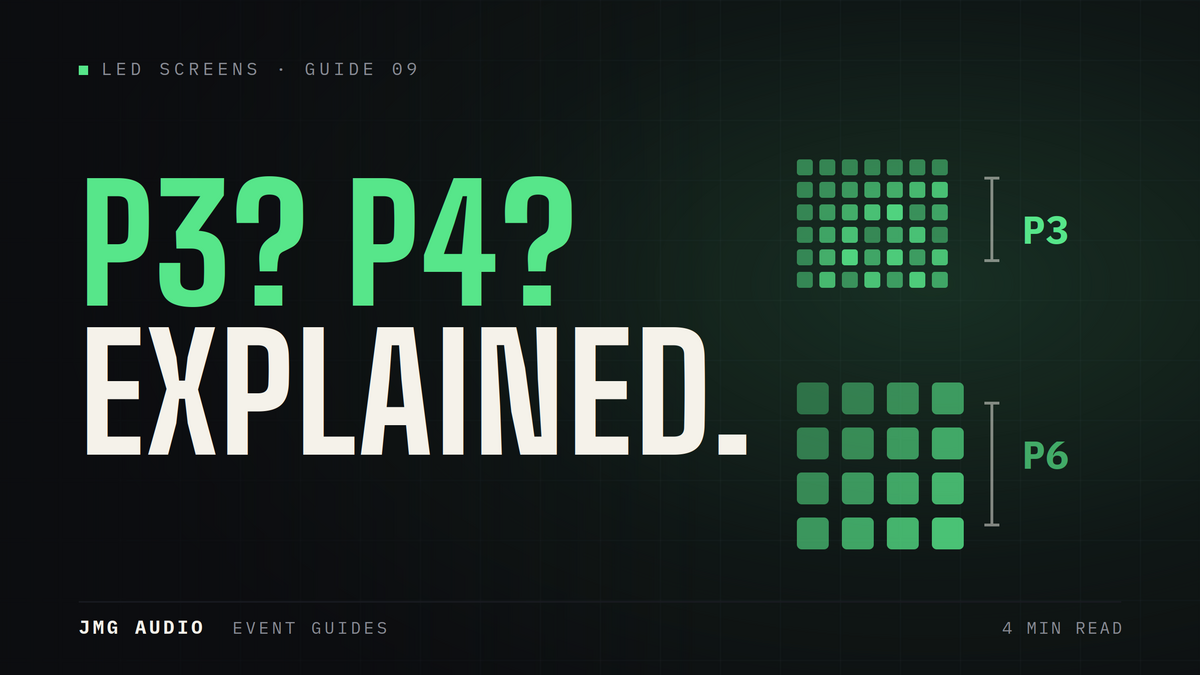
Pixel pitch is the distance between the tiny LEDs, measured in millimetres. A P3 screen has 3mm between pixels; a P4 has 4mm. Smaller numbers mean more pixels packed in, so the image is sharper up close. Bigger numbers are fine when the audience is further away.
Match it to viewing distance
If people stand close — a stage backdrop, an exhibition booth — a smaller pitch (P2–P3) looks crisp. For a big outdoor crowd standing far back, a larger pitch (P4 and up) works well and costs less, because the distance hides the gaps.
Indoor vs outdoor screens
Outdoor screens are brighter to fight daylight and are weather-sealed; indoor screens are finer and made for controlled lighting. Using the right type matters — an indoor screen outdoors will look dim and risks water damage.
Don’t overthink it
You don't need to memorise any of this. Tell JMG Audio your venue, audience size and how close people will be, and we'll recommend the right screen size and type.
Screen size versus resolution
These are separate things and people frequently conflate them. Screen size is the physical area, determined by how many panels are assembled. Resolution is how many pixels sit inside that area, determined by pixel pitch. A large screen with a coarse pitch and a smaller screen with a fine pitch can have identical resolution — the difference is how close you can stand before the image breaks up into dots.
Match content to the screen you are getting
A screen built from panels rarely matches the aspect ratio of a standard presentation, so content designed for a laptop gets stretched, cropped or letterboxed. Ask your supplier for the exact pixel dimensions of the assembled screen and build or adapt your content to it. This one step removes the most common visual problem at events with LED screens.
Brightness and the time of day
Outdoor-rated screens are considerably brighter than indoor ones, because daylight is a demanding competitor. If your event runs from afternoon into evening, brightness needs to be adjustable — a screen set for daylight becomes uncomfortably glaring after dark, and one set for evening is invisible at three in the afternoon. Confirm the screen can be adjusted through the programme and that someone will do it.
What to tell your supplier
You do not need to specify pitch yourself. Tell them the venue, whether it is indoors or outdoors, the time of day, how big the audience is, and — most usefully — how close the nearest viewers will stand and how far away the furthest will be. Those two distances determine the sensible pitch and size far better than any specification you could name in advance.
Frequently asked questions
What does P3 or P4 mean on an LED screen?
It is the pixel pitch — the distance in millimetres between the LEDs. P3 (3mm) is sharper up close; P4 and above suit audiences standing further away and cost less.
What size LED screen do I need?
It depends on your venue, audience size and how close people stand. Share those details with JMG Audio and we will recommend the right screen size and type.
Need a hand with your event?
Tell us what you're planning and we'll recommend and supply the right equipment.
Get a Quote