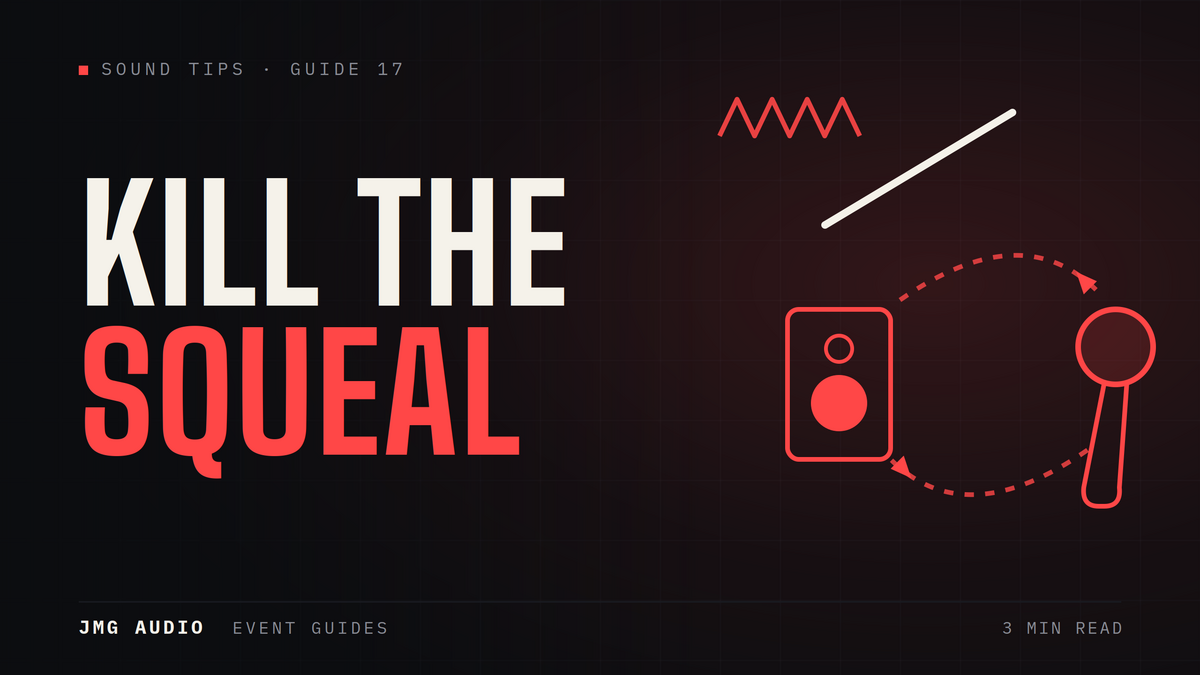
Feedback is that piercing squeal when a microphone picks up sound from the speakers and loops it back. It's avoidable, and understanding why it happens helps everyone at your event.
Keep mics behind the speakers
The most common cause is a microphone pointing at, or standing in front of, the main speakers. Positioning speakers ahead of where people speak — so mics never face them — prevents most feedback.
Mind the mic technique
Cupping the top of a microphone or holding it too far away forces the volume up and invites feedback. A quick word to presenters on holding the mic correctly makes a big difference.
Let the system be tuned
A technician tunes the sound system to the room, reducing the exact frequencies that would otherwise ring. This is why a professionally-run setup rarely squeals.
The easy fix
The reliable answer is a properly set-up system with a technician on hand. JMG Audio positions, tunes and monitors the sound so feedback isn't a worry at your event.
Why feedback happens at all
Feedback is a loop: the microphone picks up sound from the speakers, that sound is amplified and comes out of the speakers again, gets picked up once more, and the loop builds until it howls. Everything you do to prevent feedback is really about breaking that loop — getting less speaker sound into the microphone, or reducing gain at the frequency where the loop is strongest.
Speaker placement is the biggest lever
Speakers in front of the microphones, pointing away from them, is the fundamental rule and it solves most problems before they start. Problems arise when speakers end up beside or behind the presenter — common with stage monitors, or when a venue’s fixed speakers are in awkward positions. If a speaker must sit near a live microphone, that is a design problem to solve at setup rather than something to manage on the fly.
The microphone type matters
Lapel microphones are the most feedback-prone, because they sit far from the mouth and therefore need much more gain to produce usable level — which brings the loop closer to threshold. Headset microphones sit close to the mouth, need far less gain, and are consequently much more resistant. If a presenter needs hands free in a difficult room, a headset is usually the better answer than a lapel.
Ring out the room before the audience arrives
A technician will deliberately push the system towards feedback at soundcheck to find the frequencies that ring first, then reduce exactly those frequencies. This is called ringing out the room, and it buys real headroom before feedback returns. It takes a few minutes and has to happen in the actual room with the actual microphones — which is one of the clearest arguments for having a technician rather than a dry hire.
Frequently asked questions
What causes microphone feedback?
A microphone picking up sound from the speakers and looping it — usually because the mic faces the speakers, is used incorrectly, or the system is not tuned to the room.
How do you prevent feedback?
Position speakers ahead of the microphones, use good mic technique, and have a technician tune and monitor the system. JMG Audio handles all of this for you.
Need a hand with your event?
Tell us what you're planning and we'll recommend and supply the right equipment.
Get a Quote